Why Your Wi-Fi Slows Down Every Evening (and What Actually Fixes It)
Every evening around seven your Wi-Fi crawls. Here is what actually causes it, what you can fix in twenty minutes, and where a new router will not help at all.
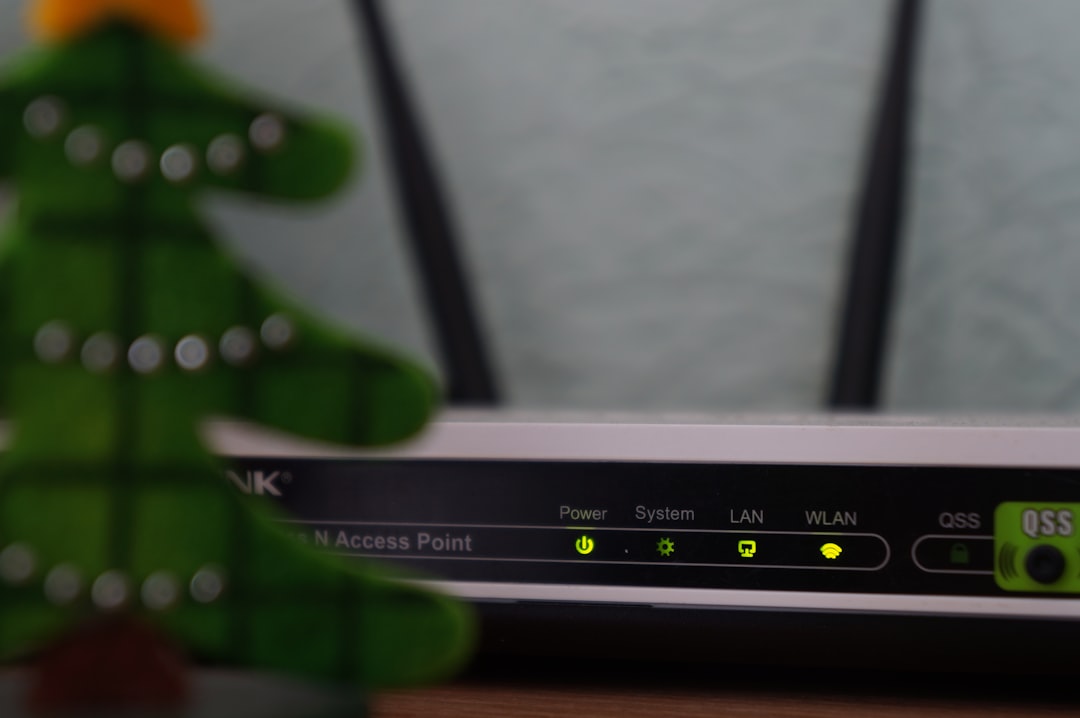
Our flat sits above a takeaway on a busy street, and by half seven on most weekday evenings a video call with my sister in Berlin turns into a slideshow. It is not a coincidence, and it is not really the router’s fault. Wi-Fi is radio, the airwaves around the building are shared, and everyone within about 20 metres decides to stream something at roughly the same time.
Some of this you can genuinely fix in twenty minutes with no money spent. Some you cannot fix at all without changing your ISP, and a small slice is your router being placed somewhere silly by whoever installed it. Knowing which is which saves the £180 on a mesh system you did not need.
What is actually happening between 6pm and 10pm
Home broadband traffic in the UK peaks between 7pm and 9pm, driven mostly by video streaming. Ofcom’s Connected Nations report puts evening usage at roughly two to three times the daytime average (see ofcom.org.uk). Every flat, terraced house and semi within earshot of your router is running Netflix, iPlayer, a PlayStation update or a Zoom call, and most of those routers are broadcasting on the same handful of frequencies as yours.
Your router is not slowing down. It is politely waiting its turn to speak on a channel that fifteen other routers are also using. That queuing shows up to you as a Zoom call freezing, a Sonos speaker stuttering, or a webpage that takes 8 seconds to load when it took 1 at three in the afternoon.
The 2.4 GHz problem, and why 5 GHz is not a magic fix
Home Wi-Fi in the UK uses two bands. The older 2.4 GHz band has only three non-overlapping channels (1, 6 and 11). Three. For a whole terraced street. It travels further and passes through walls better, which is precisely why every cheap smart plug, video doorbell, baby monitor and older laptop insists on using it. If your router is a dual-band unit and you have not separated the network names, half your devices are probably clinging to 2.4 GHz out of habit even when 5 GHz would be stronger.
The 5 GHz band has around 19 usable channels in the UK once you include the DFS (Dynamic Frequency Selection) range. That sounds brilliant, and mostly it is. Range is shorter, though: 5 GHz drops off through a solid brick wall far faster than 2.4 GHz does. In a 1930s semi, a 5 GHz signal that is 550 Mbps in the same room as the router can be 40 Mbps two rooms away, through a chimney breast. Still fine for a 4K stream, not the promised number on the box.
DFS channels (the higher 5 GHz ones, 52 to 140) are less crowded because many older routers and phones will not touch them. They are shared with weather radar, which means your router has to listen for radar pulses and switch off the channel if it hears one. Most homes are nowhere near a radar site, so DFS channels are the quietest ones you can use, and most people never enable them. Ofcom lists the full allocation in its frequency allocations table.
The five-minute placement fixes
Before touching any settings, move the router. This is the single change with the biggest payoff, and it costs nothing.
- Off the floor. Get it at least 1 metre up. Signal spreads outward and slightly downward from most antennas, so a router on the carpet is broadcasting mostly into your neighbour’s floor.
- Away from the microwave and the fish tank. Microwaves leak at 2.4 GHz when running, and water is one of the best Wi-Fi absorbers there is. A fish tank between router and sofa can knock 30% off your signal.
- Not inside a cabinet. Wood dampens the signal a little, and metal mesh (some AV cabinets have it) blocks it almost completely.
- Central, not by the front door. ISPs install routers wherever the phone line enters, which is usually the worst spot in the house. A 5-metre flat Cat6 cable run under the skirting to a central shelf costs about £12 and does more than any new router will.
- Antennas vertical for one floor, one vertical and one horizontal for two. Antennas radiate in a doughnut shape perpendicular to their length, so mixing angles covers both planes.
Actually changing the channel
Once the router is in a sensible spot, the second-biggest lever is picking a quieter channel. Most guides wave their hands and say “let the router auto-select”. In practice the auto-select on ISP routers (Sky, BT, Virgin’s Hub 3, TalkTalk) is lazy and does not re-scan often enough. It picks a channel at 3am when the street is quiet and stays there.
Download a free scanner. On Android, WiFi Analyzer by farproc is the well-worn one. On Mac, hold Option and click the Wi-Fi menu, then Open Wireless Diagnostics, then Window, then Scan. Both give you a list of every network in range and what channel it sits on. Do this at 8pm, not at lunchtime.
- For 2.4 GHz, pick whichever of 1, 6 or 11 is least busy. Ignore any channel in between; they overlap and make things worse for everyone.
- For 5 GHz, look for a channel above 52 (a DFS one) with no other network on it. In our block, channel 100 is empty. Channel 36 has eleven other routers.
- Log in to the router (address is usually 192.168.1.1 or 192.168.0.1, printed on the sticker), find the wireless settings, and set the channels manually. Save. Reboot.
If your router will not let you pick DFS channels, that is often the router’s limitation, not the law. Sky’s older SR203 hub, for example, will not use them. That is a real reason to buy your own router, and roughly the only reason worth £90.
When it is not your Wi-Fi at all
Plug a laptop directly into the router with an Ethernet cable and run a speed test at 8pm and again at 2pm. If the wired speed also drops in the evening, the problem is not your Wi-Fi. It is either your ISP’s local cabinet being oversubscribed, or the whole area sharing insufficient capacity. No amount of channel tuning fixes that.
On FTTC (fibre-to-the-cabinet, the copper-from-the-street kind) this is common on older Openreach cabinets, and the honest answer is to move to full fibre if it is available on your street. Check at openreach.com/fibre-checker with your postcode. If the wired speed is fine, keep working on the Wi-Fi. If not, complain to your ISP, ask specifically about contention in your postcode, and consider switching. The Which? broadband reviews are the least PR-influenced source I have found.
What buying a mesh actually gets you
A three-piece mesh system (TP-Link Deco, Google Nest Wifi, Amazon eero) will genuinely help in a house where the walls are thick, the router is stuck by the front door, and running an Ethernet cable is impossible. In a two-bed flat it is usually £180 to £300 solving a problem a £12 cable and a shelf would have solved. Mesh systems do their own channel management, which is better than most ISP routers but not magical. They still cannot invent radio spectrum that does not exist.
If the evening slowdown is your neighbours and not your walls, mesh will not help meaningfully. That is the sentence most reviews will not print.
Related reading
Frequently Asked Questions
Sometimes, briefly. A restart forces the router to re-scan and pick a channel, so if it had drifted onto a bad one you get a genuine improvement for a few hours. It does not fix congestion. If you are restarting more than once a week, the router is either overheating in its cupboard or its auto-channel logic is broken.
Only partly. The newer standards handle many devices on one router more efficiently and squeeze more out of existing spectrum, but they still use the same 2.4 and 5 GHz bands as your neighbours. Wi-Fi 6E and 7 add the 6 GHz band, which is currently almost empty in UK homes, so that genuinely helps. Both the router and the device need to support it.
They can see that your network exists and its name, but not what you are doing on it if you are using WPA2 or WPA3 encryption (turned on by default on any router made after about 2018). Change the default admin password on the router itself, though. That is the actual weak point.
Peak speed and stability are different things. A congested channel can still deliver a high peak in a 10-second test but drop packets constantly, which is what makes video calls freeze. Look at the ping and jitter numbers, not just the download figure. Ping above 60ms or jitter above 30ms is your real problem.
Usually yes, if your house wiring is on one ring circuit. Powerline runs the signal through the mains cabling and gives you a proper wired connection at the far end. Extenders re-broadcast Wi-Fi and halve the available bandwidth in the process. Expect 100-300 Mbps on decent powerline kit like the TP-Link AV1000 range, less on very old rewires.

Smit Sharma
Smit Sharma writes and edits Repair Habit. He is not a licensed technician of anything. What he knows about repair he picked up the ordinary way: watching his father fix things around the flat rather than throw them away, spending two summers as an apprentice in a small electronics shop, and, once he had his own place, running through the mistakes himself on his own washing machine, kettle, chairs, and car. He is a working parent, a slow buyer of new things, and a slightly obsessive maintainer of the ones he already owns. He does not believe repairing your dishwasher makes you a better person. He believes it is often the cheapest and quietest response to a small problem, which is roughly all the philosophy this site carries.
You may also like

Why Your Earbuds Sound Worse (and How to Bring Them Back)
Earbuds sound quieter and muddier over time. Three small things explain almost all of it.

A Beginner’s Guide to Cleaning a Dust-Choked Laptop
A laptop that runs hot and loud is usually full of dust. Cleaning it is a thirty-minute job…

The Calm Way to Recover From a Phone Water Drop
The first ten minutes after a phone gets wet decide whether it survives. Stay calm and skip the…