The Calm Way to Recover From a Phone Water Drop
The first ten minutes after a phone gets wet decide whether it survives. Stay calm and skip the rice.
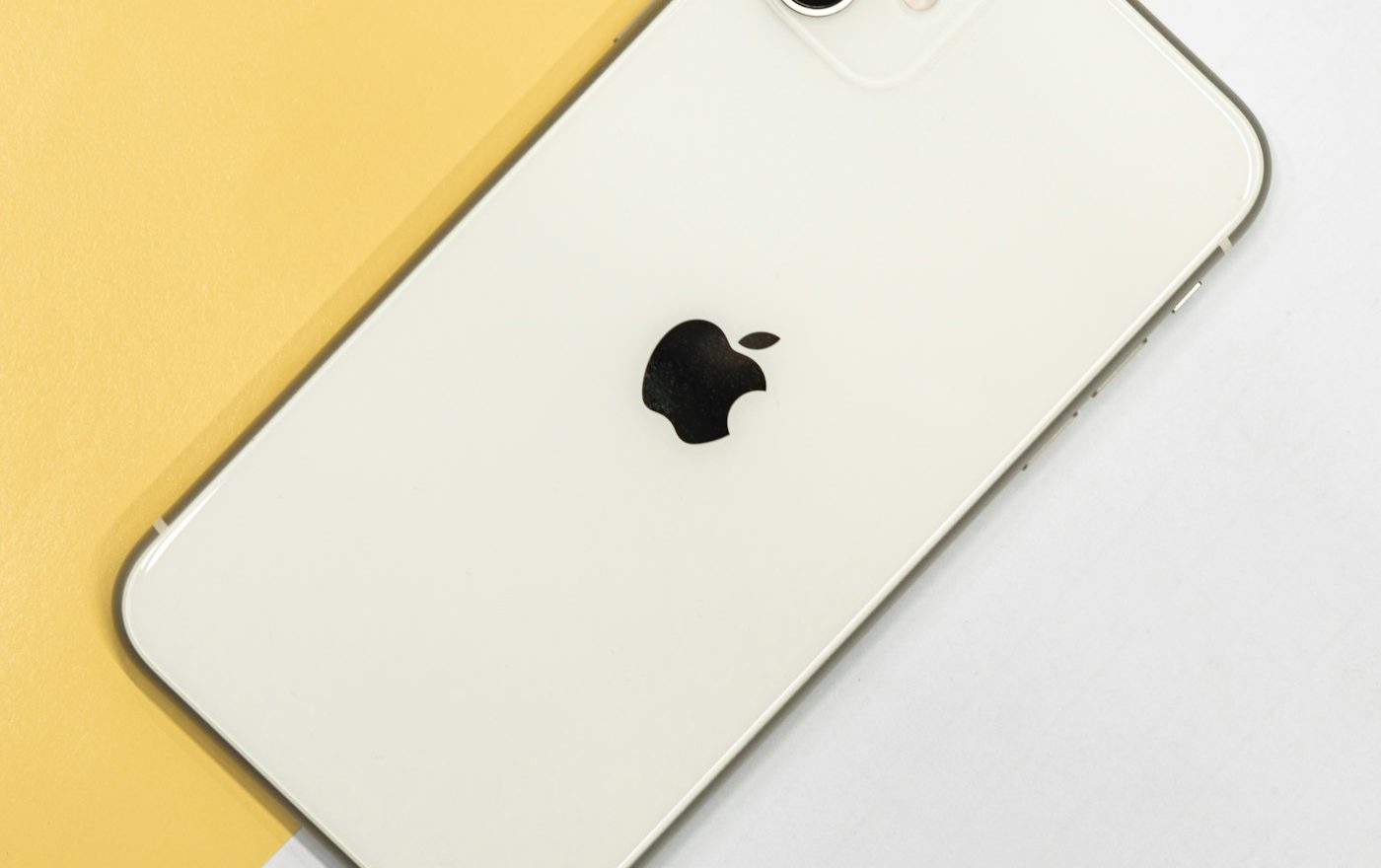
The most stressful phone moment of my life happened in a hotel bathroom in Edinburgh about six years ago. I dropped my phone into a half-full sink. It was submerged for about three seconds before I fished it out, dripping and (I assumed) ruined. I spent the next two minutes in genuine panic before remembering what to do.
The phone survived. It is, in fact, still working, eventually handed down to my nephew who uses it as a music device. The recovery worked because I followed the steps in roughly the right order. Most of the time, recovery from a water drop is genuinely possible. The phone is more durable than people fear, particularly modern phones with at least some water resistance rating. But the first ten minutes matter enormously, and almost everyone gets them wrong.
The wrong response (which most people do)
The instinct after dropping a phone in water is to:
- Pick it up immediately and dry the outside with a cloth
- Press the power button to check if it still works
- Try to charge it
- Stick it in a bowl of rice for two days
Every one of these steps is wrong or counterproductive. Let me work through why, and what to do instead.
Step one: turn it off, if it is on
If the phone is still on when you retrieve it, turn it off immediately. Hold the power button. Use the on-screen slider if it appears.
The reason: water inside the phone creates conductive paths between components that should not be connected. If the phone is powered while this is happening, it can short-circuit components that would have survived if they had been unpowered. Water itself is not the killer; water plus electricity is.
If the phone is already off when you retrieve it, leave it off. Do not test if it still works by trying to power it on.
Step two: do not press buttons or plug anything in
Once the phone is off, leave the buttons alone. Pressing buttons while water is inside the phone can push water deeper into mechanisms. Plugging anything into the charging port (even just to “see if it charges”) sends power through the wet system.
This includes connecting headphones, charging cables, SIM removal tools, and anything else.
Step three: get the water out, gently
Wipe the outside with a soft cloth. Pay attention to the speaker grilles, the headphone jack (if any), the SIM tray, the charging port, and any seams or openings.
Then orient the phone with openings pointing downward. Gravity pulls water out of small openings if you give it time and the right angle. Lay the phone flat with the bottom edge slightly raised so any water in the charging port can drip out.
Do not shake the phone violently; this can move water from one area to another, making things worse.
Some sources recommend gentle tapping of the phone against your palm with the charging port facing down. This can help dislodge water from the port, but do it carefully and gently.
Step four: leave it to dry
The most important step, and the hardest, because it requires patience.
Leave the phone in a warm, dry, well-ventilated area for at least 48 hours, ideally 72. Do not power it on during this time. The water inside needs to evaporate, and the slower and more thoroughly it evaporates, the better the chance of recovery.
The phone should sit upright if possible (charging port pointing down) so any remaining water continues to drain. Place it on a soft cloth so it does not slide. Avoid placing it in direct sunlight; the heat differential can cause condensation issues.
The rice myth
Rice does almost nothing. The popular advice to bury the phone in rice has some basis (rice does absorb humidity from the surrounding air) but in practice, the rice’s effect is small and slow. Worse, rice particles and starch can enter the phone’s ports and create new problems.
If you want to use a desiccant, silica gel packets (the kind that come with new electronics, shoes, and supplements) work much better. Bury the phone in silica gel for 48 hours; the gel absorbs moisture far more aggressively than rice. Even better is to buy a small dehumidifier bag designed for electronics or vehicle interiors; these are cheap and reusable.
Best of all is simply patient air-drying in a low-humidity environment for several days.
Step five: test cautiously
After at least 48 hours (72 is safer), the phone is ready to test. Visually inspect all the ports for any remaining moisture before powering on.
Power on. If the phone boots normally, you have likely survived the incident. Watch for unusual behaviour over the next few days: speakers sounding muffled (water in the grilles still drying out), cameras with foggy images (moisture in the camera assembly), touchscreen oddities, or unexpected reboots. Any of these can be temporary, or can indicate residual moisture.
If the phone does not boot, or boots but behaves strangely, you may need professional help. Repair shops can sometimes dry out and revive phones that did not recover on their own; this is often called “water damage repair” and involves disassembly, ultrasonic cleaning, and corrosion treatment.
What if the water was not water
Salt water, sea water, swimming pool water, coffee, fizzy drinks, and other liquids are all worse than plain water. The dissolved salts and sugars conduct electricity, corrode metals, and leave residues that continue to damage components after drying.
For non-water spills, rinse the phone gently with clean fresh water as quickly as possible after the spill. This sounds counterintuitive (more water on a wet phone) but the goal is to dilute and wash away the damaging substances before they dry into residue. Then dry as normal.
For phones submerged in sea water for any length of time, professional cleaning is almost always needed; the corrosion damage from salt is severe.
The role of modern water resistance
Most current smartphones have an IP rating indicating water resistance. IP67 means the phone survives being submerged in 1m of fresh water for 30 minutes. IP68 typically means deeper or longer submersion (specific values vary by manufacturer).
These ratings are not absolute. Water resistance degrades over time as seals age. Drops can compromise seals invisibly. Hot water (showers, dishwashers) can damage seals. The IP rating is helpful, but not a guarantee.
If your phone is IP-rated and got briefly wet in clean water, recovery is highly likely. If it is older, has been dropped, or has been exposed to other liquids, the rating provides less protection than the headline suggests.
Insurance and replacement
If recovery fails, check whether your phone or contents insurance covers accidental damage. Many policies do, sometimes with an excess fee. Apple Care+, EE Care, Samsung Care+, and similar manufacturer plans typically cover water damage with reduced replacement fees. Check your coverage before you assume you are out of luck.
For more on broader device care that prevents these situations, see our device mistakes piece. For routine maintenance, our phone maintenance routine covers the regular care that helps phones survive incidents.
For a related angle, our piece on A Guide to Decluttering and Speeding Up a Slow PC covers a closely connected problem.
For a related angle, our piece on The Honest Truth About Screen Protectors and Cases covers a closely connected problem.
Frequently Asked Questions
It does almost nothing. The rice absorbs ambient humidity slowly, but most water inside a phone needs to evaporate from where it is, not be drawn out by external desiccants. Patient air-drying for 48-72 hours achieves more than rice ever could. Silica gel packets work better than rice if you want to use a desiccant, but the difference between silica and air-drying is small. The big mistake people make with rice is feeling that the rice is "doing something" and then powering on the phone after 24 hours, well before drying is complete.
Yes, immediately. A phone that is on with water inside is actively damaging itself; turning it off stops the damage. Then dry as described and wait at least 48 hours before powering on again. Phones that survive being wet usually do so because they were turned off promptly; phones that fail are often phones that the owner kept testing while wet.
Often yes, with time. Water in speaker grilles takes longer to dry than water in the main body of the phone. Many modern phones have an "eject water" feature (a specific tone that vibrates water out of the speakers) or you can use third-party apps that do the same thing. Try the feature; otherwise, time and dry air usually clear the sound within a few days. If after a week the speakers still sound muffled, residual moisture may have caused some damage that needs professional attention.
Not really. IP68 ratings are tested in fresh water in laboratory conditions; chlorinated pool water is harsher on seals, and the warm water of pools is harder to seal against than the cold water of testing. More importantly, IP ratings degrade over time and are not guaranteed against repeated water exposure. Take photos at the pool side, but do not use the phone underwater regularly. The water damage risk is real even for "waterproof" phones used outside their rated conditions.
Varies widely depending on the damage and the phone. Light cleaning of a phone that survived but has minor issues might be sixty to a hundred pounds. Heavy disassembly and corrosion treatment for a phone that did not power on can be a hundred and fifty to three hundred pounds. Some phones with severe internal corrosion are not economically repairable. Get a quote first; reputable shops will diagnose for a small fee and tell you honestly whether repair is worth it.

Smit Sharma
Smit Sharma writes and edits Repair Habit. He is not a licensed technician of anything. What he knows about repair he picked up the ordinary way: watching his father fix things around the flat rather than throw them away, spending two summers as an apprentice in a small electronics shop, and, once he had his own place, running through the mistakes himself on his own washing machine, kettle, chairs, and car. He is a working parent, a slow buyer of new things, and a slightly obsessive maintainer of the ones he already owns. He does not believe repairing your dishwasher makes you a better person. He believes it is often the cheapest and quietest response to a small problem, which is roughly all the philosophy this site carries.
You may also like
Why Your Earbuds Sound Worse (and How to Bring Them Back)
Earbuds sound quieter and muddier over time. Three small things explain almost all of it.
How to Fix a Charging Port That Won’t Hold a Cable
A loose charging port is almost never broken. It is full of lint. The fix is a wooden…

A Guide to Decluttering and Speeding Up a Slow PC
A slow PC is rarely past its useful life. Six checks usually bring it back, and none require…