How to Clean a Game Console Without Damaging It
Modern game consoles overheat when dusty. The cleaning is straightforward, but the wrong approach makes things worse.
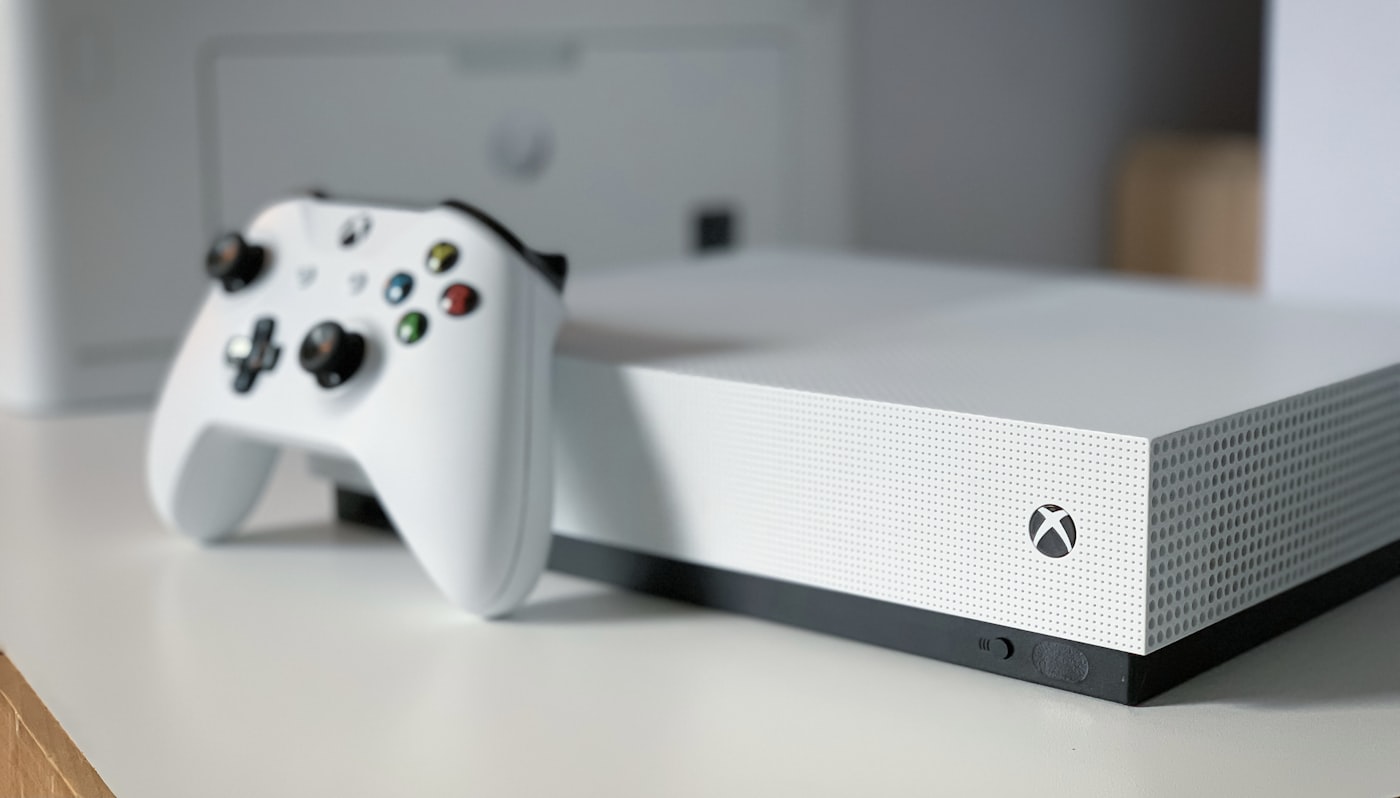
Our PlayStation 5 started running noticeably louder a year into ownership. The fans, which had been almost silent during early gaming sessions, were now a clear presence in the room. A friend with the same console reported the same drift, but worse: his fans were so loud during demanding games that the noise distracted from the gameplay.
The problem in both cases was dust. Game consoles pull large volumes of air through their cases to cool the powerful chips inside, and the air carries dust with it. Over months, the dust accumulates on the cooling fins and inside the fans. The cooling becomes less effective. The fans spin faster to compensate. Eventually, the console runs hot, throttles itself, and sometimes shuts down to prevent damage.
Cleaning is straightforward but requires care. Consoles have warranties that may be voided by opening. Some components are sensitive to static. The wrong cleaning approach can push dust deeper rather than removing it.
What you can do without opening
The least invasive approach is to clean what you can reach from the outside. This is appropriate for any console and does not affect warranty.
With the console powered off and unplugged:
- Use a soft brush (a clean paint brush, a makeup brush, or a small artist’s brush) to gently dust the air intake and exhaust vents
- Wipe the outside surfaces with a slightly damp microfibre cloth
- For accumulated dust visible through the vents, use short bursts of compressed air from a few inches away, blowing toward the exhaust vents
- Move the console out from where it usually sits and dust the surrounding area; this prevents recently-dusted surfaces from immediately re-contaminating the console
This surface cleaning makes a measurable difference if you do it every couple of months and the console has not been deeply neglected.
The deeper clean (PS4 and similar)
For older consoles out of warranty, opening the case for a proper internal clean is reasonable and well-documented online. PS4 cleaning, for example, is straightforward: a Torx screwdriver removes the top cover, exposing the fan and heatsink. From there, gentle brushing and short bursts of compressed air clear the dust.
Important rules when going inside a console:
- Always unplug the console and let it sit for at least an hour to fully discharge.
- Work on a clean, well-lit surface with a non-conductive mat or a soft cloth underneath.
- Ground yourself by touching a metal surface before handling internal components.
- Photograph everything as you take it apart so you can reassemble correctly.
- Place screws in labelled containers; many consoles have screws of different lengths in specific holes.
- Hold fan blades still with a finger or toothpick while using compressed air; spinning a fan with compressed air can damage the bearing.
- Do not use a vacuum cleaner inside the console; static electricity can damage components.
For specific disassembly steps for your specific console, search YouTube for “(your console model) cleaning”. Multiple high-quality video guides exist for every popular console.
The PS5 and Xbox Series X situation
Modern consoles (PS5, Xbox Series X) are still under their original five-to-seven-year lifespan for most owners. Opening them voids the warranty in many jurisdictions, and the internal layout is more complex than older generations.
For these consoles, my advice is to do thorough external cleaning regularly and only consider opening once the warranty has expired or if Sony/Microsoft will not honour service. The Sony PS5 has accessible side panels that come off without affecting warranty; the dust filter for the cooling system can be vacuumed without further disassembly. This is the right level of intervention for a current-gen console.
For deeper internal cleaning on a current-gen console, the manufacturer’s service programme is often the best option. Sony and Microsoft will clean and refurbish consoles for a fee.
Where consoles live matters
The single biggest factor in how much dust your console accumulates is where it lives. Consoles on a carpet (which sheds fibres) accumulate dust faster than consoles on a wooden floor. Consoles in a closed media cabinet with poor airflow run hotter than consoles in open spaces.
If you can, set up the console so:
- It has at least 10cm of clear space on all sides for airflow
- It is not sitting directly on carpet
- It is not in a closed cabinet without ventilation
- It is not in direct sunlight
- It is not in a damp area like a basement
The right environment dramatically reduces how often deep cleaning is needed.
Cleaning the controllers
Controllers accumulate skin oils, food residue, and dust in the buttons and around the analog sticks. This affects feel and, over time, function.
Wipe the controller surfaces with a microfibre cloth slightly dampened with water. For deeper grime, a drop of mild detergent in water on the cloth works for plastic surfaces. Avoid alcohol-based cleaners on the rubberised areas, which can dry them out and cause peeling.
For sticky buttons or grinding analog sticks, a small amount of isopropyl alcohol on a cotton swab can clean inside the joint. Work small amounts; alcohol can creep inside electronic components if applied generously.
For controllers with drift issues (the stick registering movement when not touched), the problem is usually inside the potentiometer of the analog stick. Replacement of the stick module is possible but requires disassembly and soldering. For most users, controller replacement is the practical answer to severe drift.
How often is enough
External cleaning every two to three months. Deeper cleaning once a year for consoles in dusty environments, every two years for consoles in cleaner spaces.
You will know it is overdue when the fans run noticeably louder than they used to, when the console feels warm to the touch in areas it did not previously, or when games occasionally hitch or freeze in a way they did not when the console was new.
For broader device care, see our pieces on cleaning a dust-choked laptop (similar principles) and common device mistakes.
The thermal paste question
Like laptops, consoles use thermal paste between the processor and the heatsink. This paste dries out over years and loses effectiveness. Replacement can significantly reduce operating temperatures and noise.
This is genuinely a deeper job that requires complete disassembly. For consoles more than four years old (well out of warranty), it is a worthwhile project for a confident DIYer. For newer consoles, leave it alone or have a professional do it.
The result, when done correctly, is a console that runs significantly cooler and quieter, often performing closer to its original specifications than to its current degraded state.
Frequently Asked Questions
External cleaning, no. Internal cleaning that requires removing covers usually does, depending on the manufacturer and your jurisdiction. In the UK and EU, "warranty void if opened" stickers are not legally enforceable for repairs that do not damage the device. In the US it is more variable. If your console is under warranty and acting up, contact the manufacturer first; they may clean or replace it for free or for a fee that beats DIY risk.
Avoid. Vacuum cleaners generate static electricity that can damage sensitive components inside consoles. They also create suction that can pull dust deeper into hard-to-clean places. Compressed air (used in short bursts, with fans held still) is the right tool. Soft brushes for accumulated dust on surfaces. Microfibre cloths for general wipe-down.
Possibly, but PS5s also have known issues with coil whine (a high-pitched electrical noise from the power supply or motherboard components) that are not related to dust. Listen carefully: a whining that changes with workload is often coil whine and is generally harmless. A loud fan noise that worsens with use is dust-related. Clean first; if the noise persists after cleaning, it is likely coil whine, which is not a repair issue.
On consoles four years or older that are running hot and loud despite cleaning, yes. The improvement can be dramatic: lower operating temperatures, much quieter fans, sometimes restored performance. The job requires complete disassembly and is genuinely an intermediate project, not a beginner one. For consoles under three years old, the original thermal paste is usually still effective; leave it alone.
Generally yes, but check the manual. Most consoles work in any orientation. The exception is if the console has spinning optical drives (Blu-ray discs); some are designed to work flat or vertical specifically, and using the wrong orientation can cause disc-loading issues. Modern consoles tend to be flexible. Make sure that whichever orientation you choose, the air vents are not blocked.

Smit Sharma
Smit Sharma writes and edits Repair Habit. He is not a licensed technician of anything. What he knows about repair he picked up the ordinary way: watching his father fix things around the flat rather than throw them away, spending two summers as an apprentice in a small electronics shop, and, once he had his own place, running through the mistakes himself on his own washing machine, kettle, chairs, and car. He is a working parent, a slow buyer of new things, and a slightly obsessive maintainer of the ones he already owns. He does not believe repairing your dishwasher makes you a better person. He believes it is often the cheapest and quietest response to a small problem, which is roughly all the philosophy this site carries.
You may also like

A Guide to Decluttering and Speeding Up a Slow PC
A slow PC is rarely past its useful life. Six checks usually bring it back, and none require…

How to Make an Old iPad Feel Fast Again
An iPad that has gone slow is rarely past its usefulness. It is usually one settings change and…
A Step-by-Step Guide to Improving Phone Battery Health Habits
Battery health is a downhill slide unless you change habits. Here is the order to change them in.