Why Your Phone Is Slow (and What Actually Helps)
A slow phone is rarely worn out. It is usually one of five specific things, all of which take less than an hour to address.
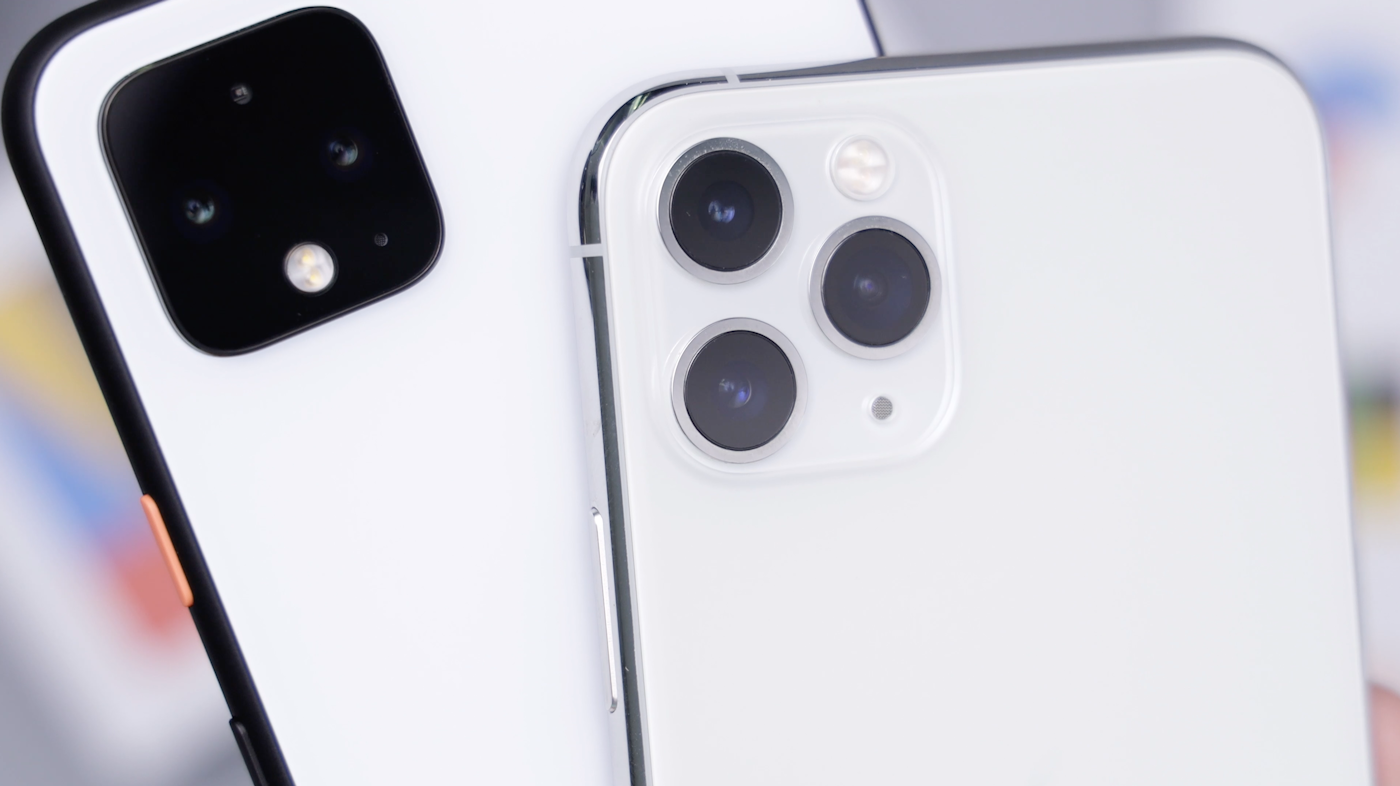
The phone I have been using for the past four years started feeling slow about six months ago. Apps took longer to open. The keyboard lagged when I typed quickly. The camera felt like it was thinking before each shot. I came close to replacing it. Then I spent an evening working through a checklist I had built over years of helping family members with the same complaint. The phone is now noticeably faster than it was a month ago, and I have not replaced it.
Slowness in phones is rarely the hardware. The processor and the RAM in even a four-year-old phone are still capable of running everything you need. What changes is the software environment around them: accumulated cache, background apps, OS updates that demand more, storage that has filled up, batteries that throttle performance to preserve charge. Each of these contributes, and each has a fix.
1. Restart the phone
Sounds obvious. Almost no one does it. Most people charge their phone overnight and unlock it the next morning without ever actually restarting it. The phone can run for weeks or months without a reboot.
A restart clears memory leaks, terminates background processes that have hung, releases held resources, and resets the various small caches that gradually consume system speed. The improvement after a restart is often immediately noticeable on a phone that has not been restarted recently.
Make a habit of restarting your phone once a week. It takes thirty seconds, and the speed difference is meaningful.
2. Free up storage
Phone storage at over 85% full slows everything down. The operating system needs free space to manage temporary files, swap memory, and the small operations that happen constantly in the background. A nearly-full phone runs noticeably more slowly than one with 30% free space.
The biggest culprits, in order, are usually:
- Photos and videos that have not been backed up and deleted
- Apps you no longer use
- Cached data inside apps (particularly social media, messaging, and browsers)
- Downloaded media you no longer need (podcast episodes, movies, music)
- Old messages with attached images
Most phones have a built-in storage analyser (Settings > Storage on Android, Settings > General > iPhone Storage on iOS) that shows what is using your space. Spend ten minutes working through the list. Delete apps you have not opened in three months. Clear cached data from the worst offenders. Move photos to cloud storage and delete the local copies if they are taking up substantial space.
Aim for at least 15% free space, ideally 25-30%. The performance difference is striking.
3. Stop background app refresh for things you do not need
Most apps quietly refresh in the background even when you are not using them, which consumes battery, data, and processing power. Many of them do not need to.
On iOS: Settings > General > Background App Refresh. Turn it off for apps that do not need real-time updates (games, utilities, most shopping apps). Leave it on for messaging, email, weather, and anything that you need to know about immediately.
On Android: Settings > Apps > select an app > Battery > Background restriction. Set restrictive policies for apps you do not use often.
The performance improvement here is subtle but real. Many phones run a dozen background processes that the user has no idea about and does not need.
4. Update the operating system
Counterintuitively, OS updates often improve performance on older devices. Manufacturers and operating system vendors regularly release optimisations specifically for older hardware. The headline features in any OS release get the attention, but the under-the-hood improvements often matter more.
If your phone is more than two updates behind current, install the available updates. Make sure you have charge and time (an update can take half an hour).
One caveat: very old phones (more than four or five years) sometimes do not get optimised for the newest OS versions. For these, sticking with an older but still supported version may actually run faster than the newest one.
5. Check the battery
A degraded battery in a modern phone can cause the phone itself to throttle performance, slowing the processor to preserve what charge remains. This is Apple’s well-publicised behaviour but Android phones do it too.
On iPhone: Settings > Battery > Battery Health & Charging. If the “Maximum Capacity” is below 80%, you are likely experiencing throttling. Battery replacement (around fifty pounds at an Apple Store, less elsewhere) usually restores full performance.
On Android: this varies by manufacturer. Some have a built-in battery health indicator; others require a third-party app. The same principle applies: a phone with a degraded battery feels slow.
For more on battery longevity, see our piece on smartphone charging habits.
6. Disable visual effects (if available)
Many phones have settings that reduce visual animations. The animations themselves consume small amounts of processing power, and on an older phone, eliminating them can noticeably improve responsiveness.
On iOS: Settings > Accessibility > Motion > Reduce Motion.
On Android: Settings > Developer Options > Animation scale (set to 0.5x or off). To enable Developer Options, tap Build Number 7 times in About Phone.
The phone feels snappier almost immediately. Some users find the absence of animations jarring; others welcome it.
7. Reset the phone (the nuclear option)
If you have worked through the above and the phone still feels slow, a factory reset clears every accumulated configuration, every leftover bit of every app you have ever installed, every cached setting. The phone returns to its original speed.
This is a significant operation. Back up everything first (photos, contacts, app data, messages). After the reset, restore from backup if you want to keep your data, or set up fresh if you want the maximum speed benefit.
Many phones that feel hopeless run almost like new after a fresh setup. The trade-off is the time investment: a full reset and restore can take a half day.
What is rarely the answer
Buying RAM cleaner apps. These rarely help and often hurt. The phone already manages memory better than any app can from user space.
Buying battery saver apps. Same logic. Built-in OS battery management is generally better than third-party alternatives.
Replacing the phone unless you have actually tried the steps above. Many “old slow phones” are still capable for years more with an evening of maintenance.
For more on extending the life of devices in general, see our device mistakes piece.
For a related angle, our piece on Why Your Earbuds Sound Worse (and How to Bring Them Back) covers a closely connected problem.
Frequently Asked Questions
Once a week is plenty for normal use. Some people do it daily; that is overkill for most modern phones. The phone benefits from the occasional clearing of memory and processes, but it does not need it constantly. If you find yourself thinking the phone has slowed since yesterday, a restart is the first thing to try.
Performance, no. Touch responsiveness, sometimes yes. A greasy or smudged screen can make touch input slightly less reliable, which can feel like slowness. Clean the screen weekly with a microfibre cloth (slightly damp with water if needed; avoid alcohol or harsh cleaners which can damage screen coatings). This addresses tactile responsiveness rather than processor speed.
Yes, and Apple confirmed this in 2017. The slowdown is to prevent shutdowns on phones with degraded batteries. It is a real effect, not a conspiracy. The fix is to replace the battery, which restores the original performance. iPhones with battery health below 80% are the most affected; iPhones with batteries above 85% generally are not throttled meaningfully.
You probably have one or more background apps that consume substantial resources. Watch which app you opened that caused the slowdown to return. Common culprits are heavy social media apps, news apps that refresh constantly, and certain banking apps with poorly optimised code. Try disabling or restricting background activity for those, or uninstall and use the web version where possible.
For most users, no, but for users who install and uninstall many apps and accumulate substantial app cruft, a reset every two or three years can give the phone a fresh start. The friction of backing up and restoring (and the lost configurations of small things) generally outweighs the benefit for typical users. Try the smaller fixes first; reset is a last resort for phones that still feel slow after everything else.

Smit Sharma
Smit Sharma writes and edits Repair Habit. He is not a licensed technician of anything. What he knows about repair he picked up the ordinary way: watching his father fix things around the flat rather than throw them away, spending two summers as an apprentice in a small electronics shop, and, once he had his own place, running through the mistakes himself on his own washing machine, kettle, chairs, and car. He is a working parent, a slow buyer of new things, and a slightly obsessive maintainer of the ones he already owns. He does not believe repairing your dishwasher makes you a better person. He believes it is often the cheapest and quietest response to a small problem, which is roughly all the philosophy this site carries.
You may also like
A Step-by-Step Guide to Improving Phone Battery Health Habits
Battery health is a downhill slide unless you change habits. Here is the order to change them in.
The Quiet Maintenance Routine Every Phone Owner Should Have
Phones are not maintained the way laptops or cars are. They should be. Twenty minutes a quarter is…

How to Make an Old iPad Feel Fast Again
An iPad that has gone slow is rarely past its usefulness. It is usually one settings change and…